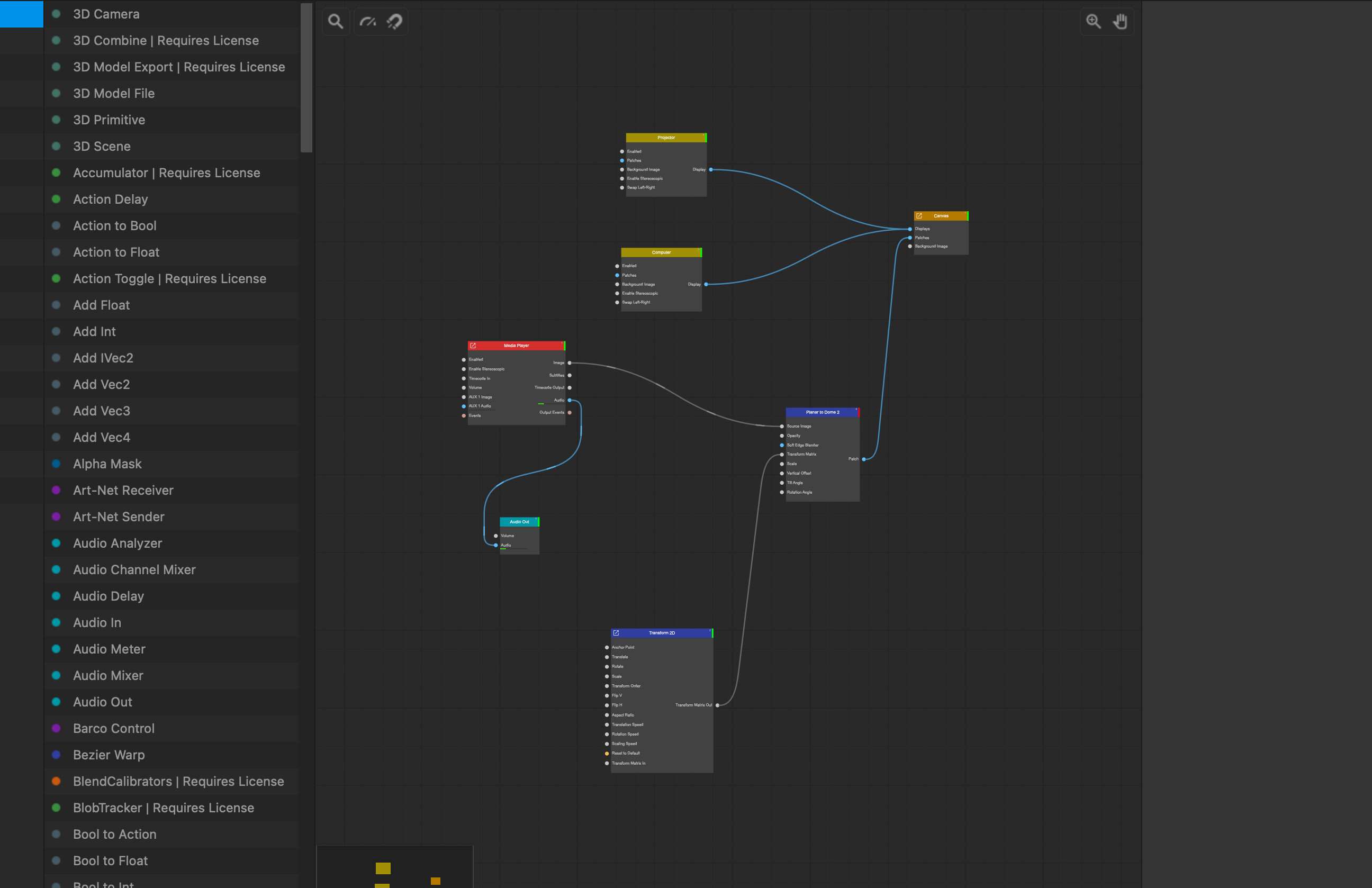
Hi! I recently purchased a Screenberry Lite license for use with a small dome setup. While using the demo version I had a functional node network that displayed my content perfectly albeit with a watermark. However, since I logged on and installed the Lite license the planar to dome warp node displays an error message stating that it requires a license. Is there a setting I am missing?
Thanks,
R
Hi! Apologies for any confusion. The ‘Planar To Dome’ node is not available in Lite version of the software.
We will contact you shortly via email to resolve this problem.
1 Like
Hi Vadim,
While I have your attention, I might as well ask you another question that got lost in the general discussion:
I have had some issues keeping the canvas open in fullscreen mode when using the warp patch. IT will open normally but if I click anywhere on the control panel the image drops out immediately, and cant be reset unless I uncheck the fullscreen option. Could it have to do with my setup?
Screenberry is intended to work on dedicated PC for the server and remotely controlled from another PC over the network.
Fullscreen mode can only work when the applicatin has focus. When you click outside - it is not fullscreen anymore. For testing on the same PC - consider using server in windowed mode.
If yo uconfigure you canvas to have same resolution as display - it will switch into optimized fullscreen mode without the need of fullscreen checkbox checked. But it will switch back to windowed mode once the server window losses it’s focus. It can degrade performance and have frame drops when not in focus.
Gotcha- this was really helpful.
Thanks!
R