Could you please explain why, when I was performing camera calibration and during the photo-taking process, the server display terminal software would experience a situation where the software crashed and exited by itself? What is the cause of this?
Please, provide more information:
- is it windows, linux or macOS version?
- Screenberry server version? Is it 3.3.9?
- What is the camera being used? Is it DSLR with digiCamControl API, or is it sony alpha with libgphoto2 API? Or is it GenICam camera over ethernet?
- You can find server logs in /Logs. Please send them to me.
- Please provide your project for me to check your calibrator node parameters and you nodegraph overall.
- What is your PC configuration. What GPU used, how many projectors connected, etc.
The only know issue with camera is when using libgphoto2 API and camera connected with long USB extender, so when the connection is lost - it may crash the server. Test with short cable, if it doesn’t crash, then you need to get better USB extender. You need to use active USB extender 10 m max with active part in the middle of the cable. Don’t use more than one such extender.
Another possible reason of crash is if you changed content size hint in calibrator node to higher value. Plase leave it in default 4096x4096.
If you are calibrating with full patterns (Geometry: blobs parameter unchecked), then you shouldn’t use RBF extrapolation, as it is too slow and may crash due to watchdog timeout. This is already fixed in 3.4 version that will be published soon.
1 Like
Regarding this type of dome screen, how should I configure the corresponding node parameters and methods in Screenberry for using the fully automatic camera calibration?https://d14hxt714hit5g.cloudfront.net/cms/uploads/RFP_3m_d02b1221b8.webphttps://d14hxt714hit5g.cloudfront.net/cms/uploads/RFP_3m_d02b1221b8.webp
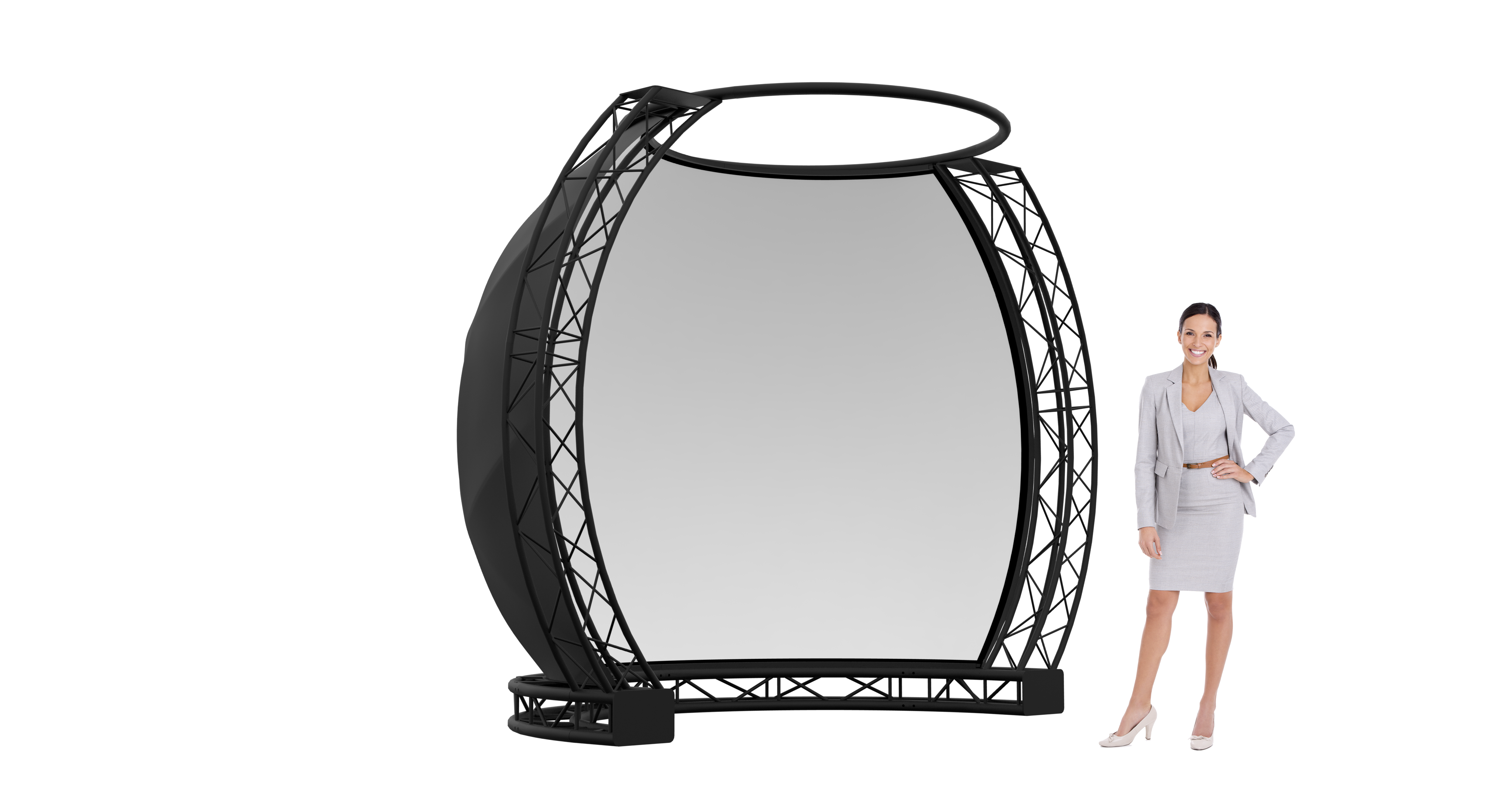
Can I add your WhatsApp? It would be convenient for getting technical support. Previously, I have been corresponding with Irina via email about business issues, but there was no good way to communicate about technical issues. My email is removed
Please write you contact information in email to support@frontpictures.com and we will contact you
This is a standard dome calibration process, and the node graph configuration remains the same as that used for a basic dome setup.
However, special attention should be given to the following aspects:
- Content positioning: Ensure that visual elements are correctly aligned within the dome space to avoid distortion or misplacement.
- Viewer perspective: Carefully consider the intended point of view for the audience. The calibration should reflect how the user is expected to experience the content within the dome environment.
By refining these elements, you can achieve a more accurate and immersive visual result.